01
Define a section
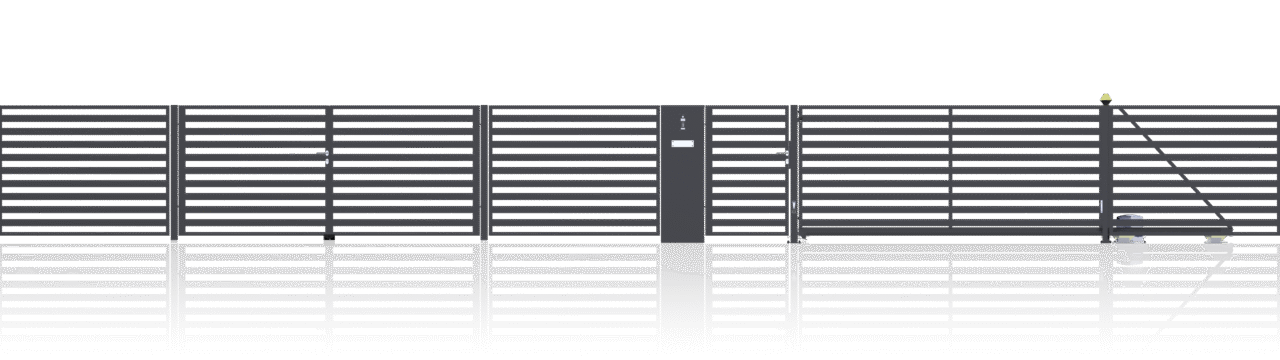
Enter the length, then choose the fence type, model and height. Select a colour from the available options.
ZEGGER FENCE PLANNING TOOL
From the first plan to a clear summary.
Choose from the available systems and elements, enter the parameters you know, and organise the details of your planned fence. We will confirm the scope, availability and delivery when preparing your quotation.
PLAN YOUR SPACE
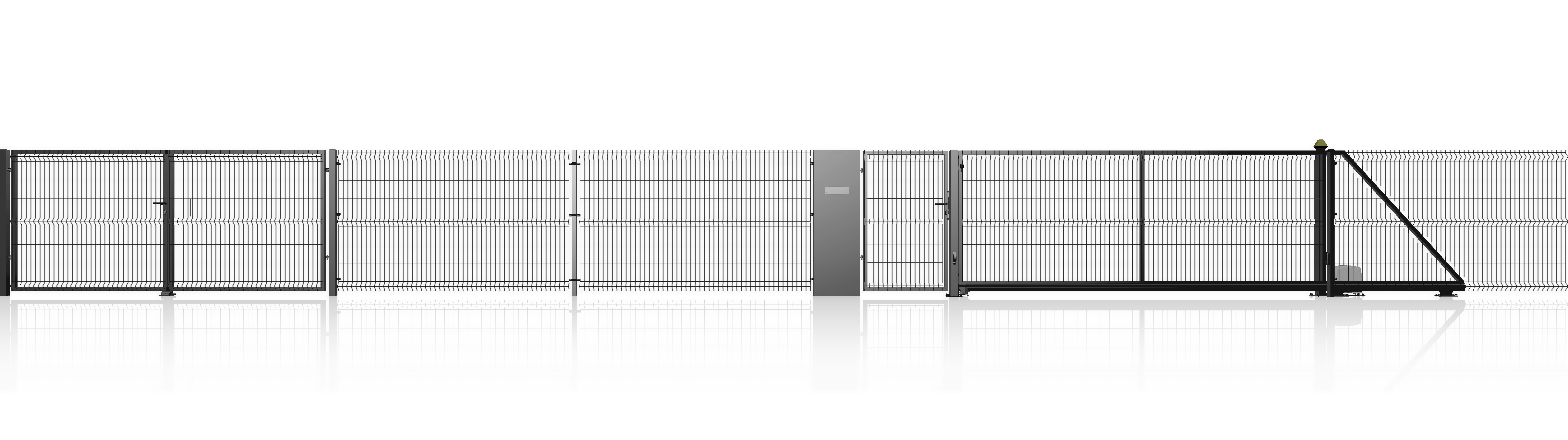
Add the available elements and review the information you have entered.
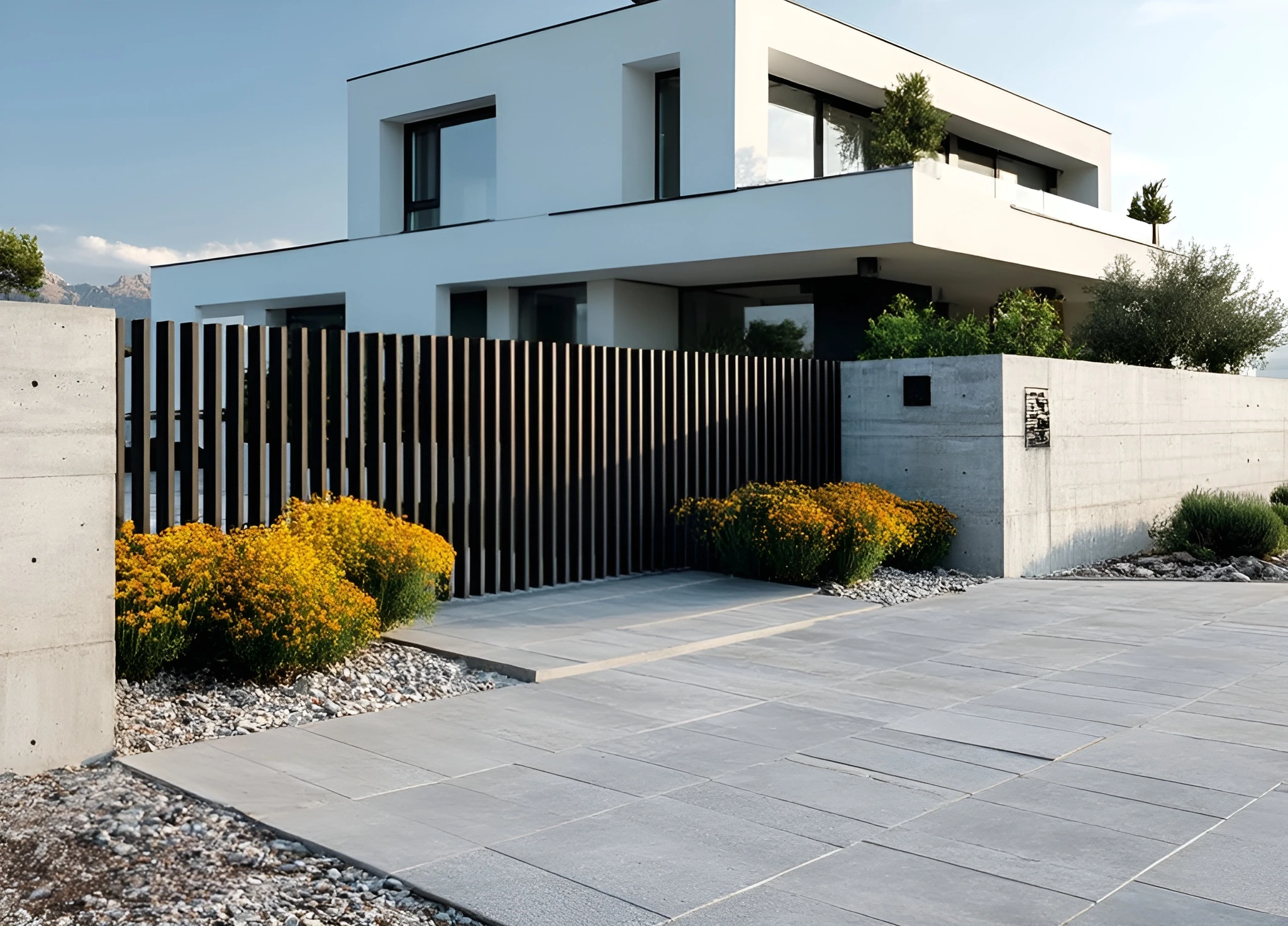 Fence sections · gates · pedestrian gates
FROM THE FIRST CHOICE TO A COMPLETE FENCE
Fence sections set the rhythm. The gate shapes the driveway, while the pedestrian gate provides everyday access. Plan them together to see which elements your project may need.
Go to the configurator01 / CHOOSE A SYSTEM
Explore the systems before choosing their parameters. You can configure your selection in the tool above.
02 / BUILD YOUR SET
Enter the length, then choose the fence type, model and height. Select a colour from the available options.
Review posts, plinths and fixings. Add a gate, pedestrian gate or accessories from the additional elements.
Review the products, quantities and values. Check the selected variants and delivery terms before discussing a quotation.
Illustrative diagram, not to scale. Record the actual dimensions of your property.
03 / GATHER THE DETAILS
You do not need a finished technical design to begin. It helps to know where the fence should run and how you want to use the pedestrian entrance and driveway.
Measure each section separately. Mark bends and changes in the fence direction.
Note their positions, required widths and available space at the driveway.
Choose the look you prefer. Check the available variants in the configurator.
Note the town and any site conditions relevant to delivery and installation.
A PROJECT BEYOND THE STANDARD RANGE?
Aluminium, an unusual layout or questions about the components? Tell us about your project.
GUIDANCE BEFORE YOU CHOOSE
Organise the parameters, choose the components and prepare to discuss a quotation.
A fence is more than its sections. A complete set also includes posts and fixings, and may include plinths, a gate and a pedestrian gate, depending on the project. The ZEGGER fence configurator helps you bring these choices together and see how the summary changes when you adjust the parameters.
Start with the section length and system type. Then work through the available models, heights and colours. For a more complex property, keep the fence divided into sections. This makes it easier to see which elements you need and which details still require clarification.
Your choice of system affects the look of the fence and the configuration options available. For panel fencing, compare the CLASSIC and SIMPLE models. For palisade fencing, start with the models and dimensions shown in the list. The relevant product pages provide more detail about construction and use.
Choose the colour and height with the whole front of the property in mind. Check post and fixing specifications separately. Not every combination is available for every system, so use the options shown for each product as your reference.
Plan the positions of the gate and pedestrian gate before calculating fence sections. Enter the full section length, then define the openings by selecting the appropriate gates in the tool. The configurator accounts for their widths when calculating fence sections. Also consider the space needed to open the gate and how the driveway will be used.
Explore the available equipment in the additional elements and accessories sections. If you are unsure which option suits the property, prepare a sketch and ask for advice. The configurator helps organise the details; it does not replace an assessment of installation conditions.
Before sending an enquiry, review the listed items, quantities, dimensions and colours. Check the net and gross value labels and the delivery details. Add the project location and any information that cannot be captured by selecting options from a list.
The configurator result is for information only. Availability, completeness, transport and timing must be confirmed when preparing a quotation. For aluminium or non-standard projects, use the enquiry form or contact an adviser.